Review the diff on your machine. Send it back as Plan or Edit.
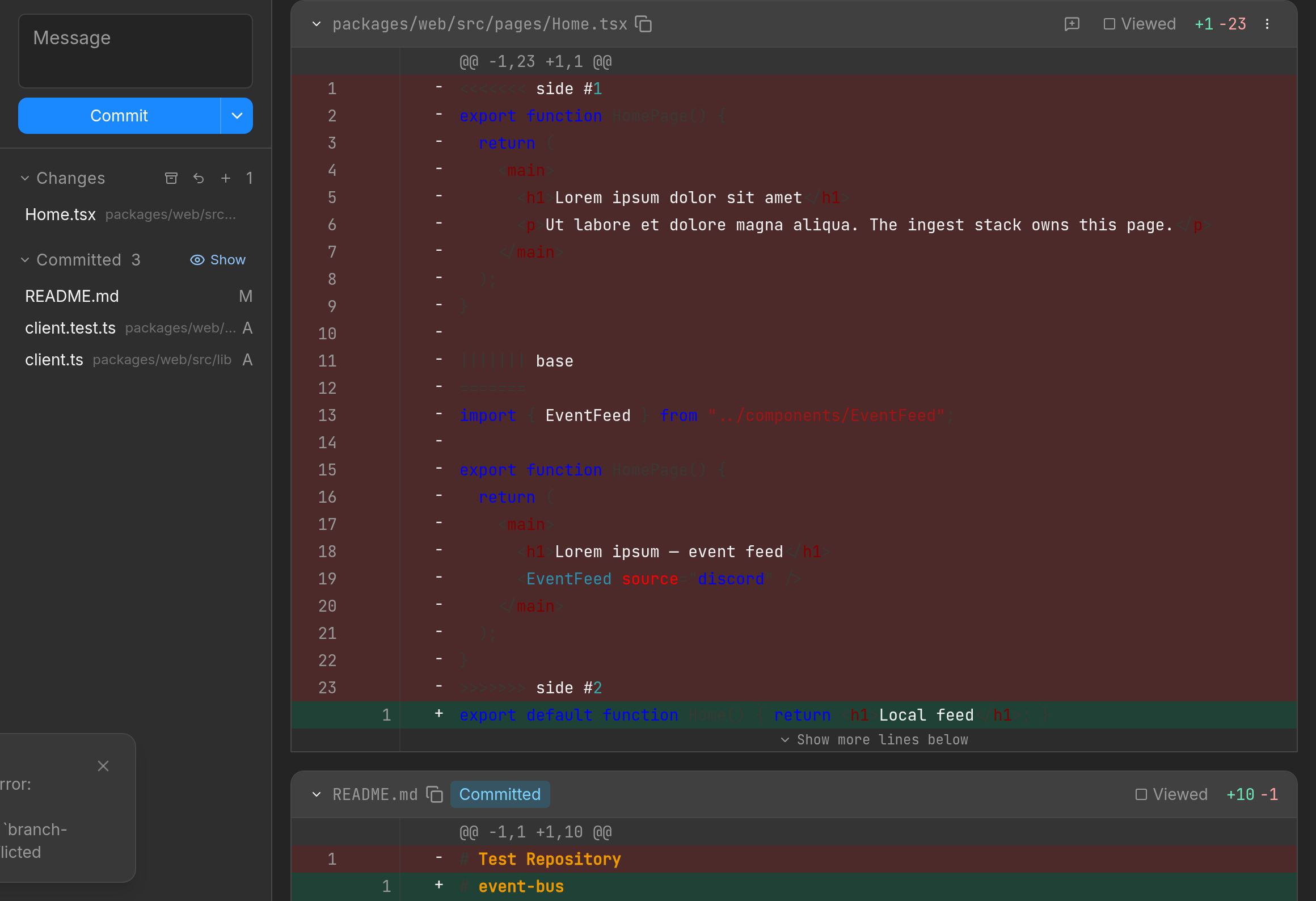
The workspace tabs are Code, Commits, and Changes. Line comments stay local. Send them to an agent as Plan or Edit.
How reviews workOpen a Git repo. Give each agent its own workspace. Treq rebases dependent workspaces when the target branch moves.
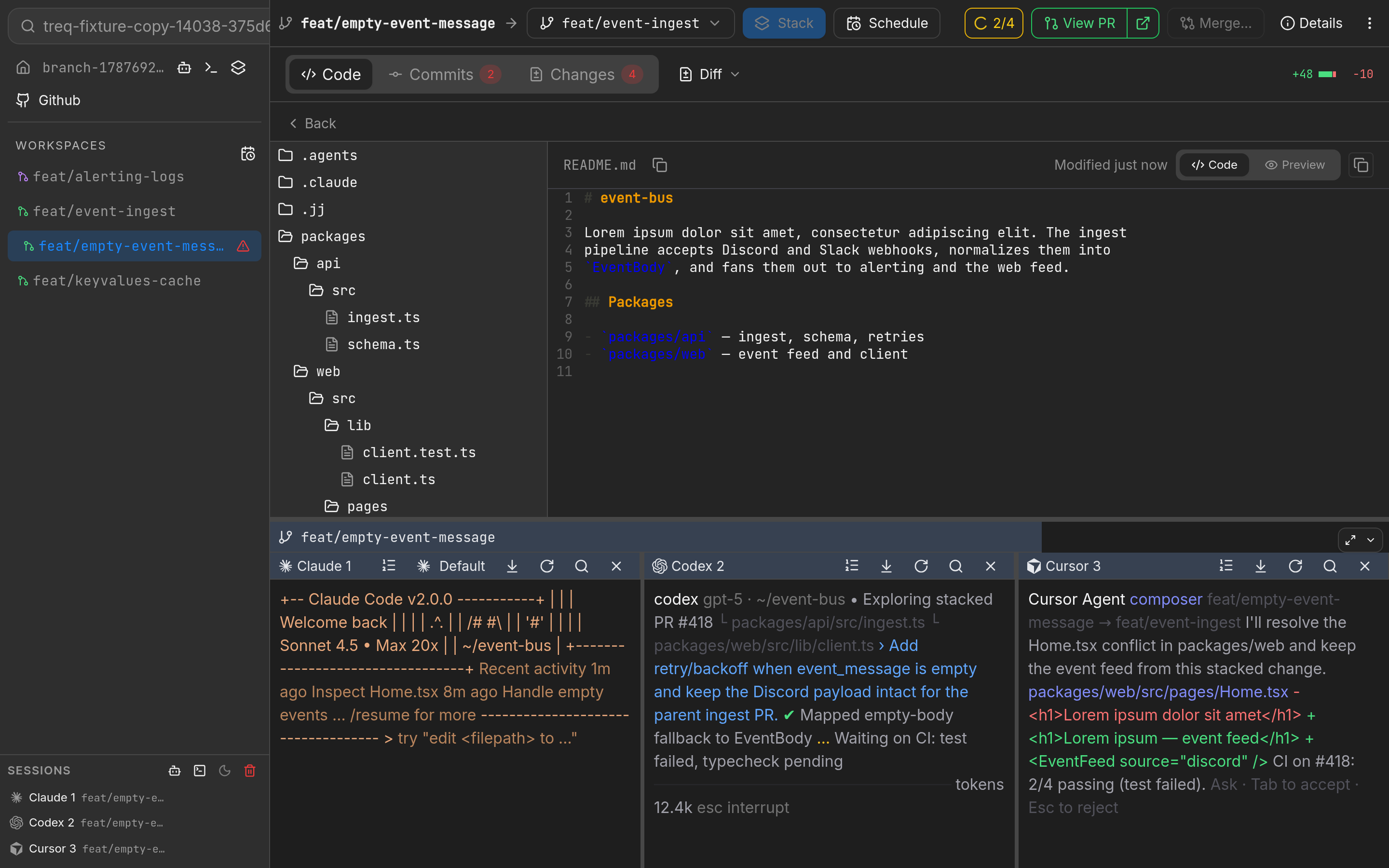
The workspace tabs are Code, Commits, and Changes. Line comments stay local. Send them to an agent as Plan or Edit.
How reviews workGit worktrees cannot restack a chain of branches for you. Treq uses Jujutsu for that rebase. You still push and pull with Git. You never have to learn Jujutsu.
How workspaces work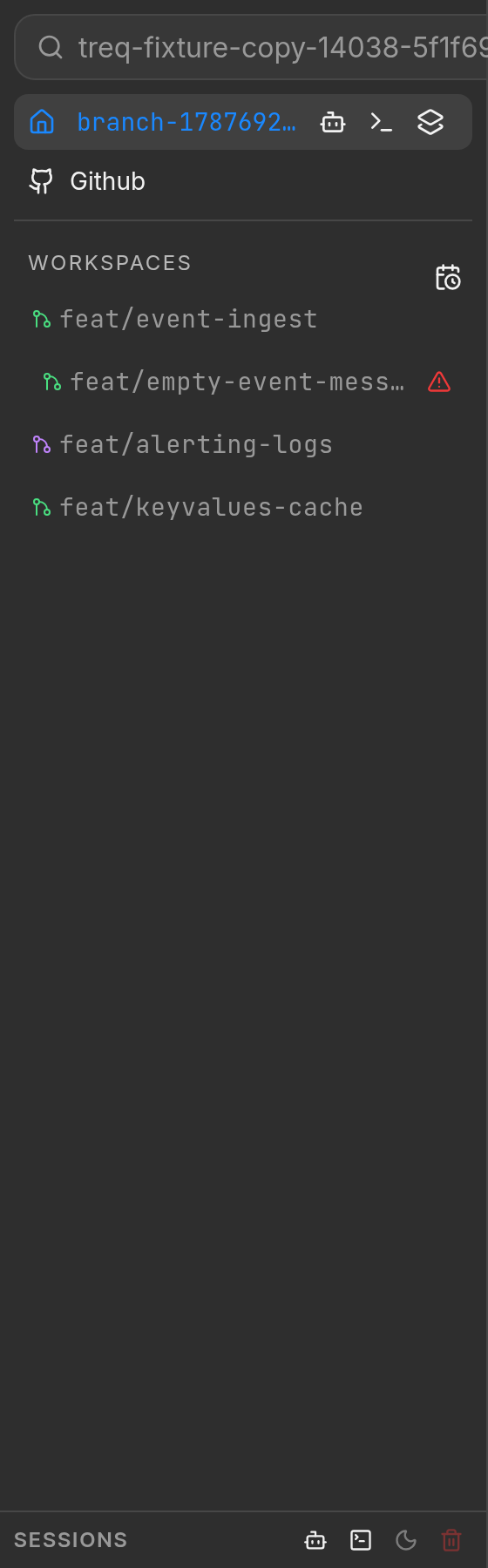
Stack creates a workspace that targets another workspace. When you land the base, Treq rebases the rest. Merge locally with familiar and stack-native merge strategies.
Merging workspacesTell one agent to split the work across three agents in three workspaces. Each agent gets its own checkout and can keep going in parallel.
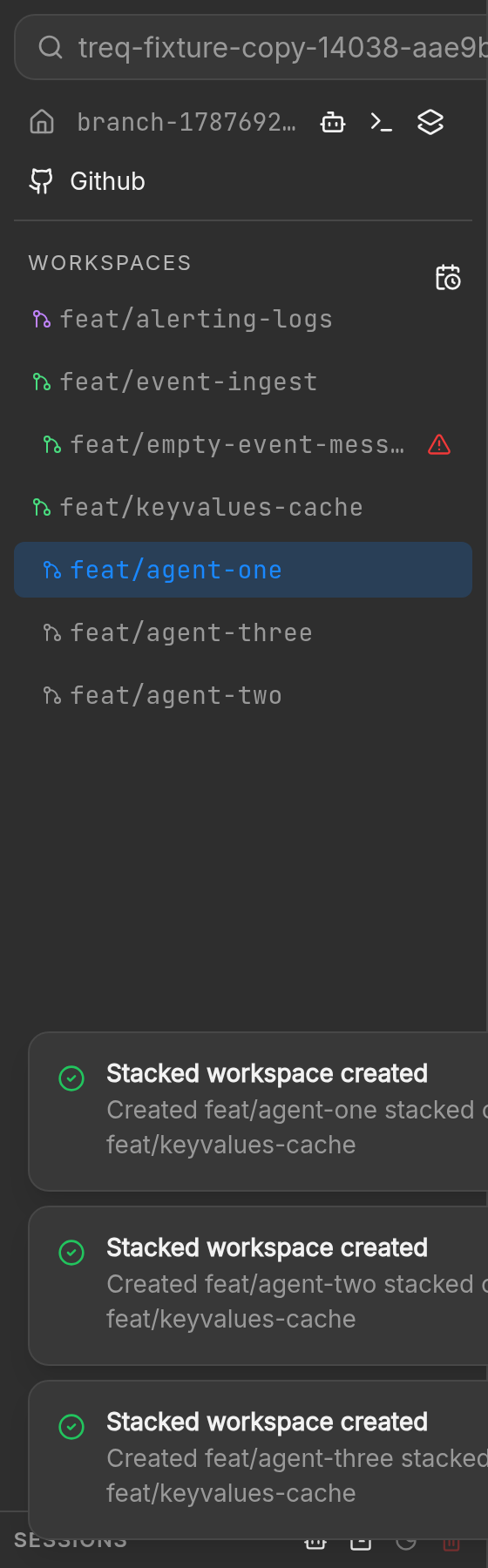

Tell an agent to move your changes to a new workspace and continue the fix there. Agents can move commits, working-copy files, and hunks through the treq CLI.

Tell an agent to break this workspace into smaller stacked or separate workspaces. Each slice gets its own checkout.
Facts
Diffs, comments, and terminal metadata stay on your machine. The desktop app does not upload your code.
Changes
File navigation, the diff, and inline comments stay together. When a workspace has an open GitHub pull request, Changes can also show GitHub review threads. Quoting a thread does not reply on GitHub.
Changes and reviews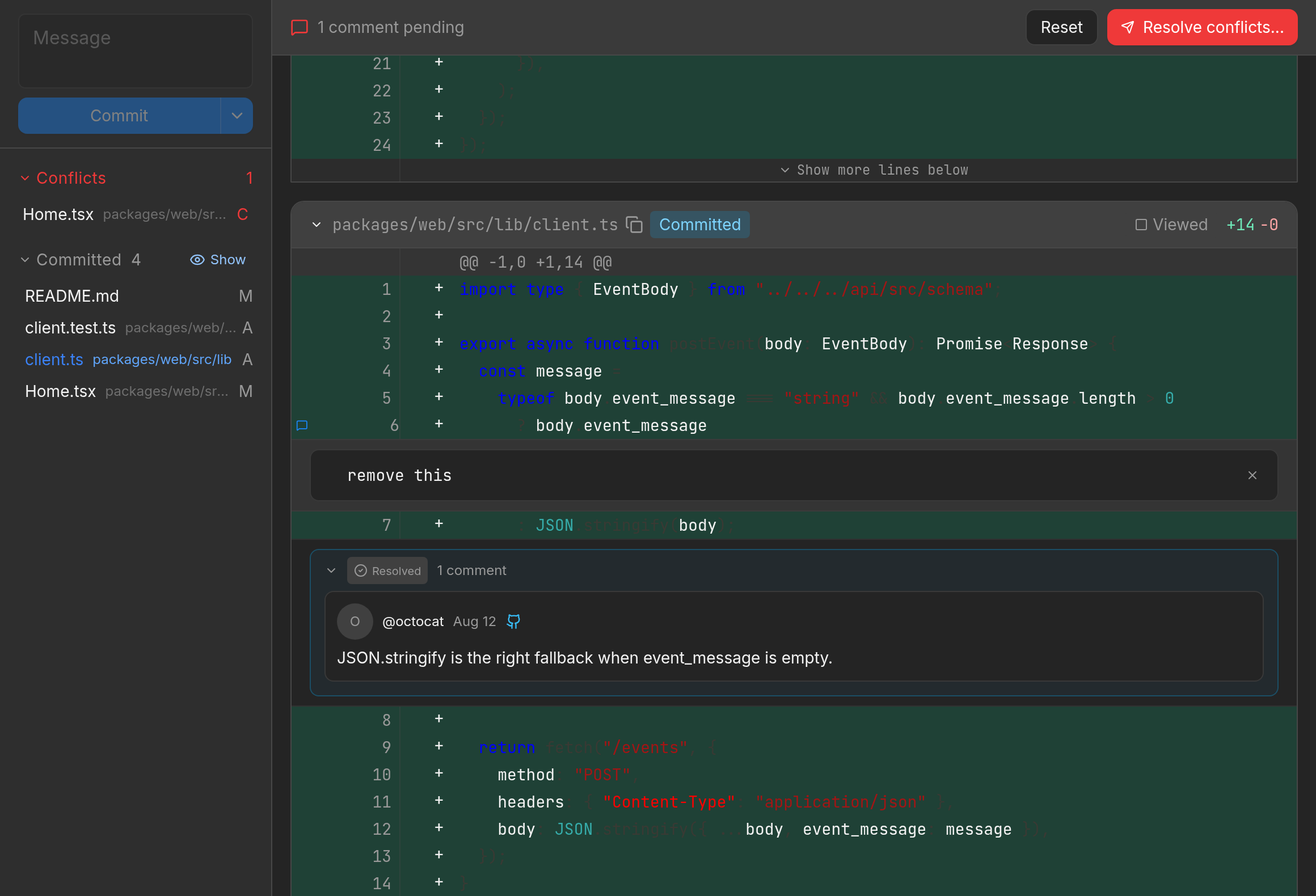
An uncommitted change in one workspace never shows up in another. Agents can write in parallel without sharing your main checkout.
From the Workspaces docs
0
telemetry events from the desktop app
Product
Review locally. Rebase the stack. Let agents open workspaces through the CLI.
Inspect every change before it leaves the machine. Read diffs like a GitHub pull request, annotate line ranges, and send comments back with Plan or Edit.
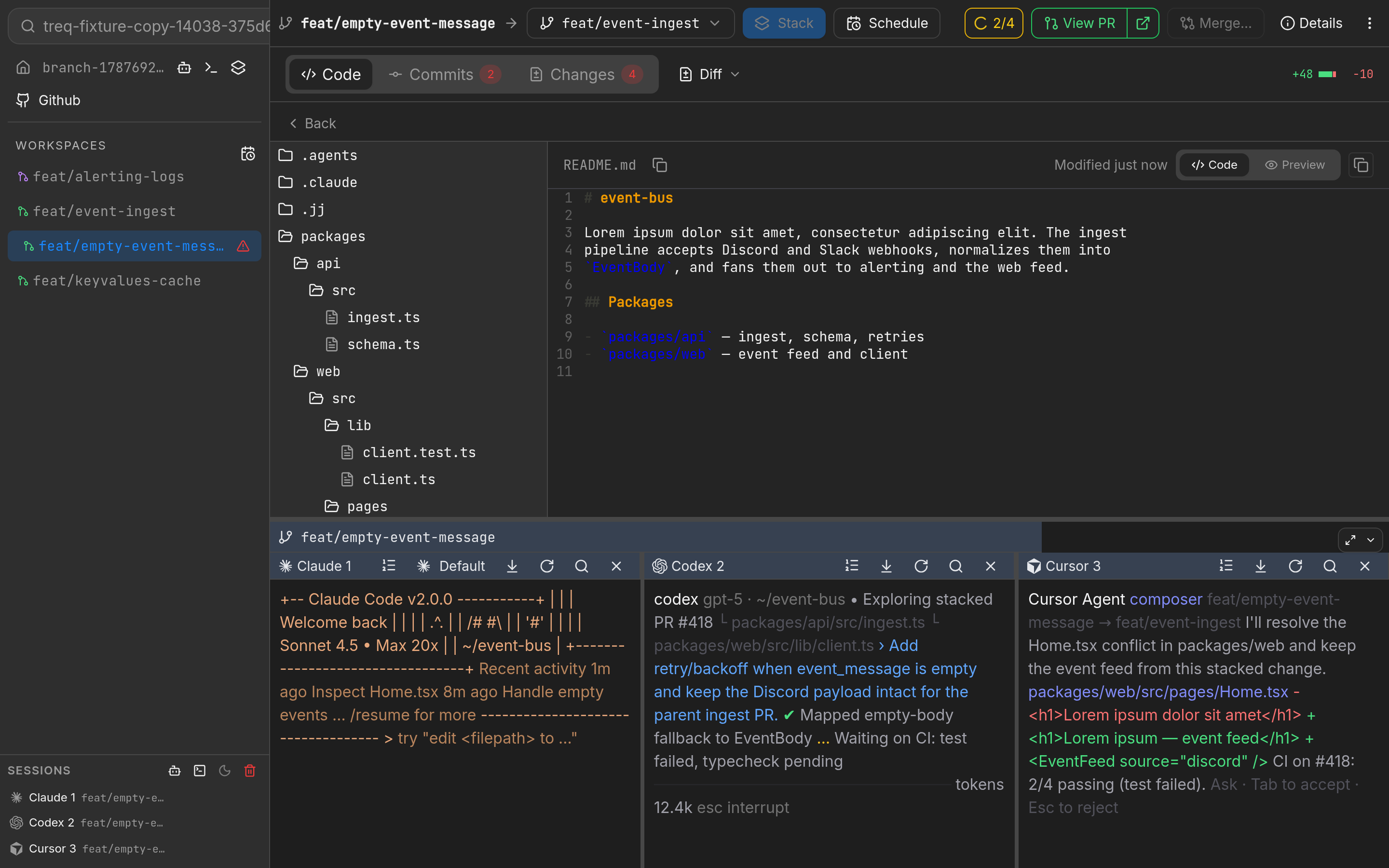
Each agent gets its own checkout. An uncommitted change in one workspace never shows up in another.
When the base moves, Treq rebases dependent workspaces.
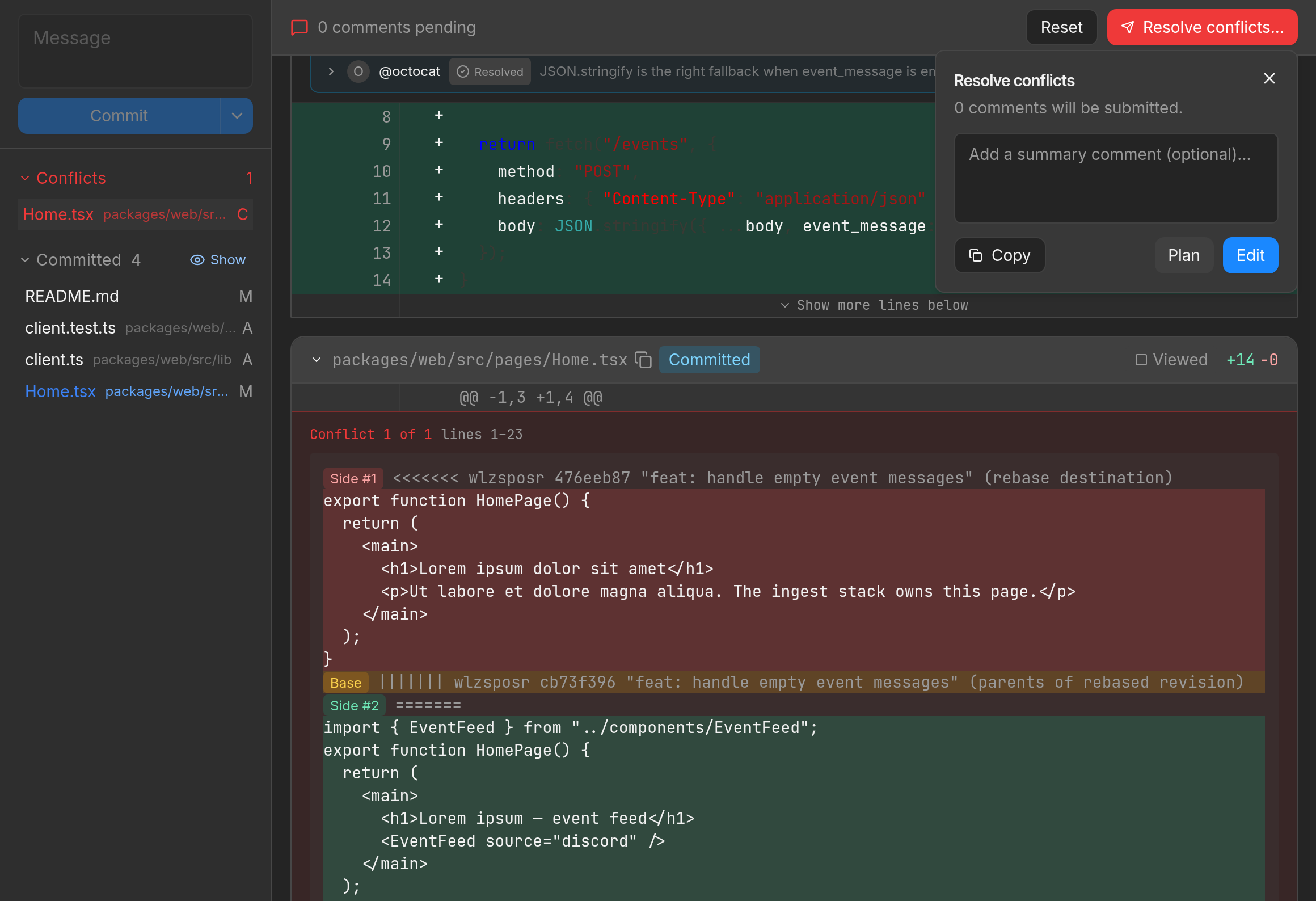
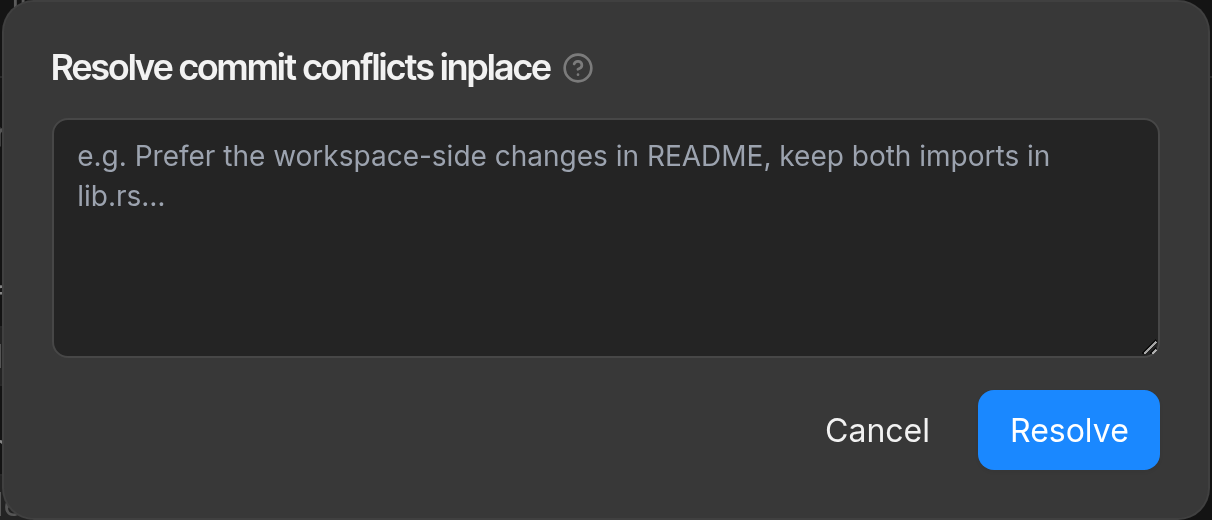
Send a conflict to an agent from Changes with Plan or Edit. The agent can land a new commit that resolves the markers. On the Commits tab, Resolve conflicts starts an agent that rewrites the conflicted commit in place. That path does not add a follow-up commit.
Workspace management can be delegated to agents through the treq CLI. Prompt an agent to create a workspace for this fix and it can run the same commands you would.

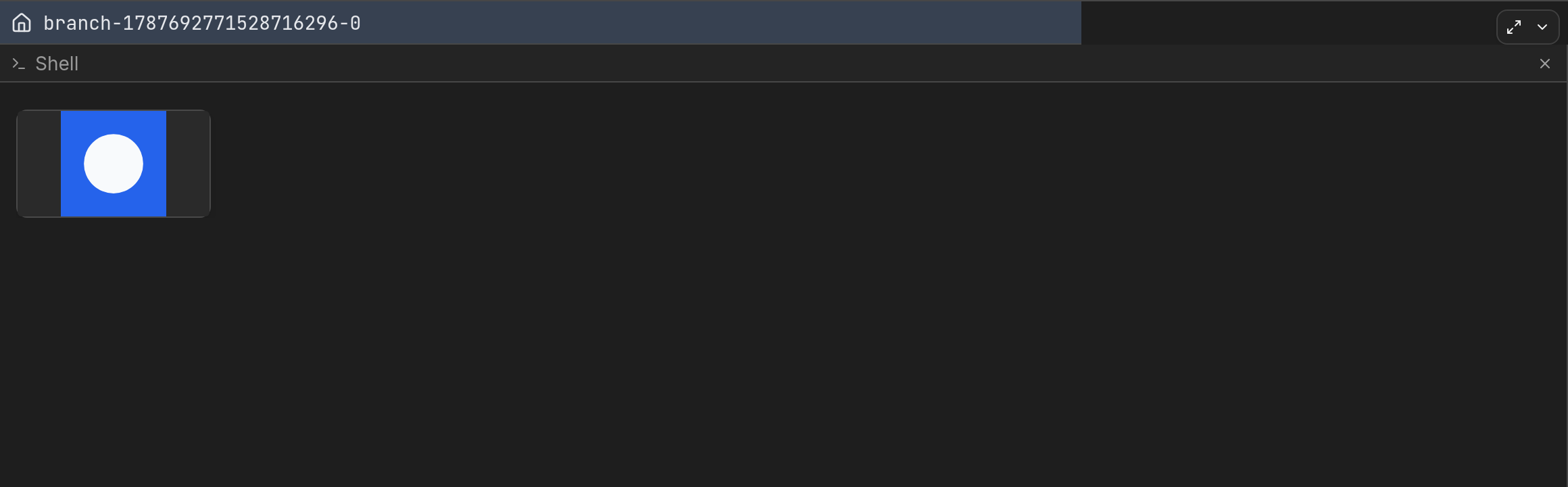
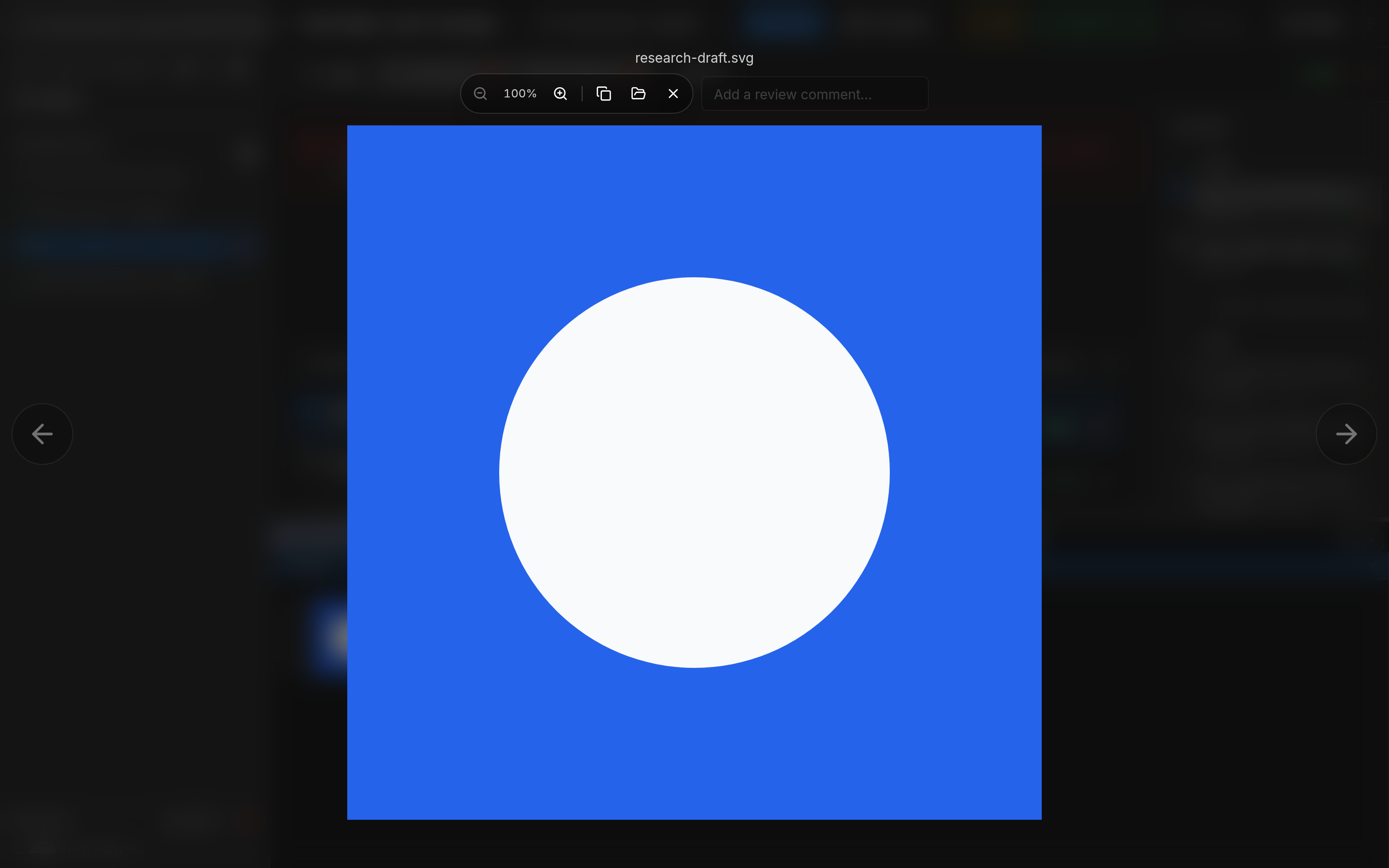
Tell an agent to send you the screenshots and the updated research draft. A thumbnail lands in that terminal. Click it to open the file.
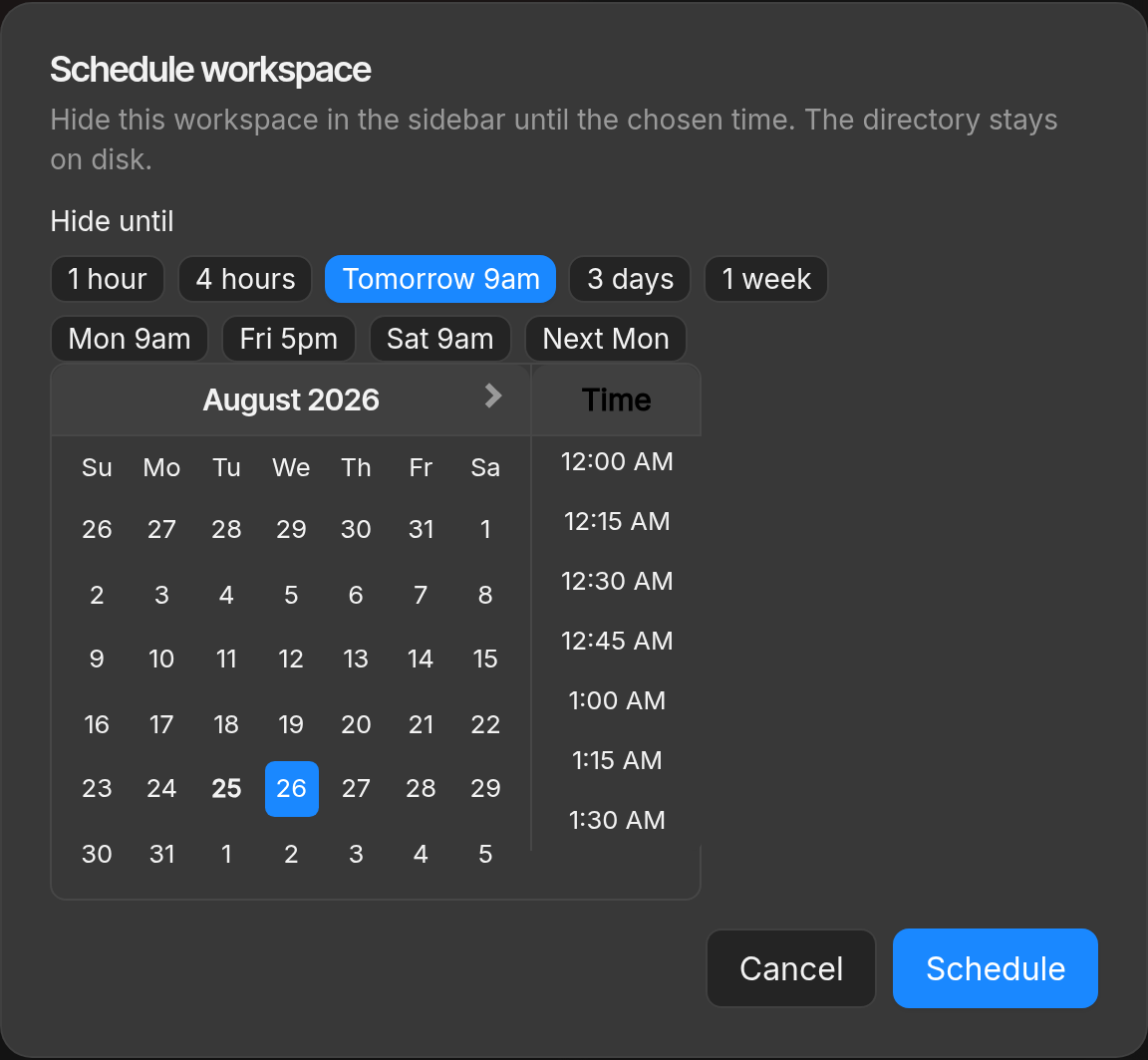
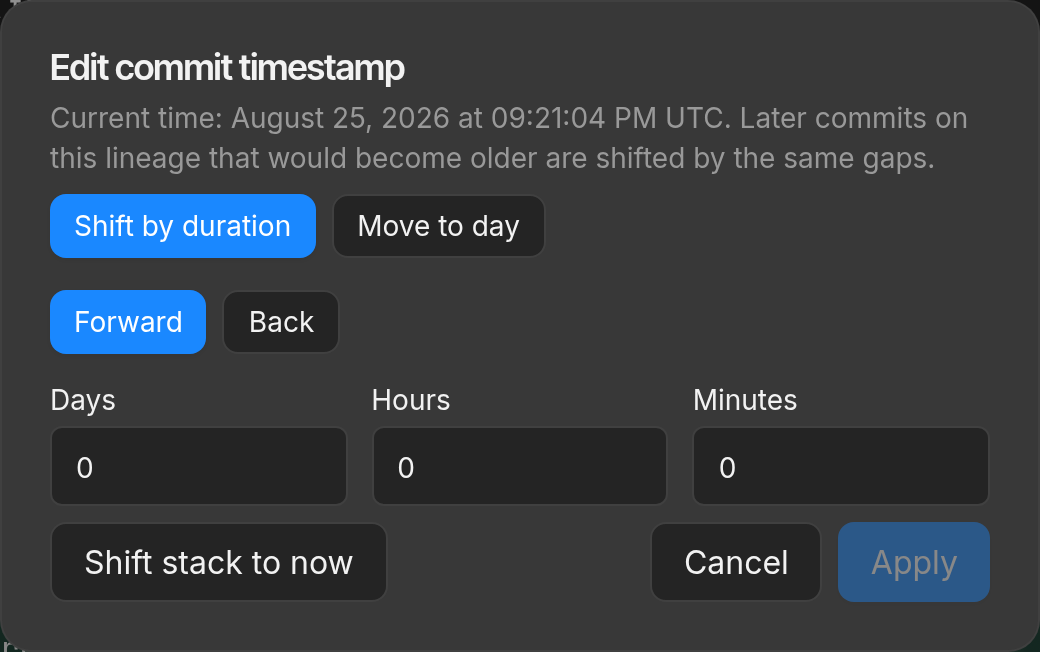
Hide a workspace until a time you pick. Shift commit timestamps into the future, or set them to now. Prepare the work ahead of time and release it on a schedule you control.
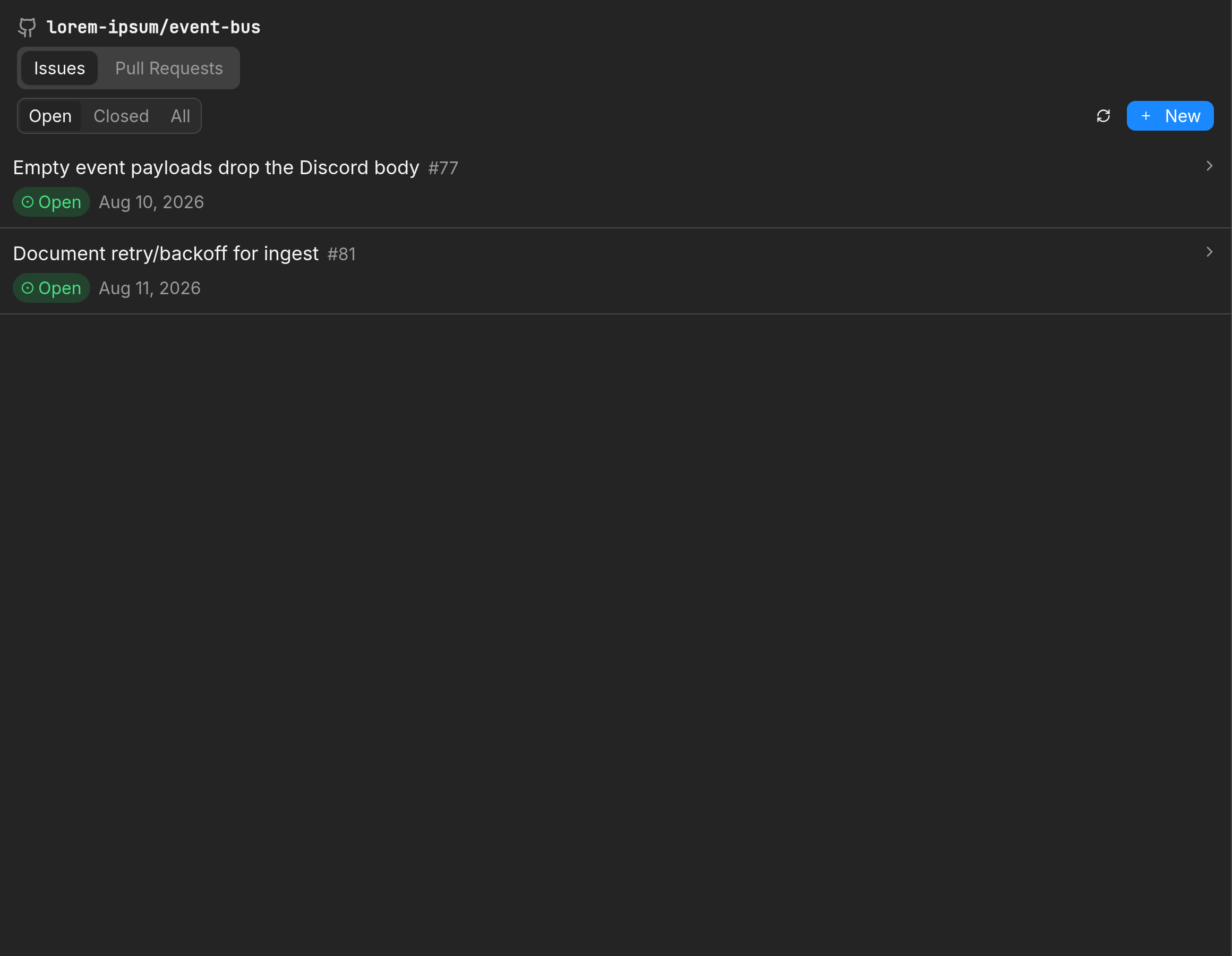
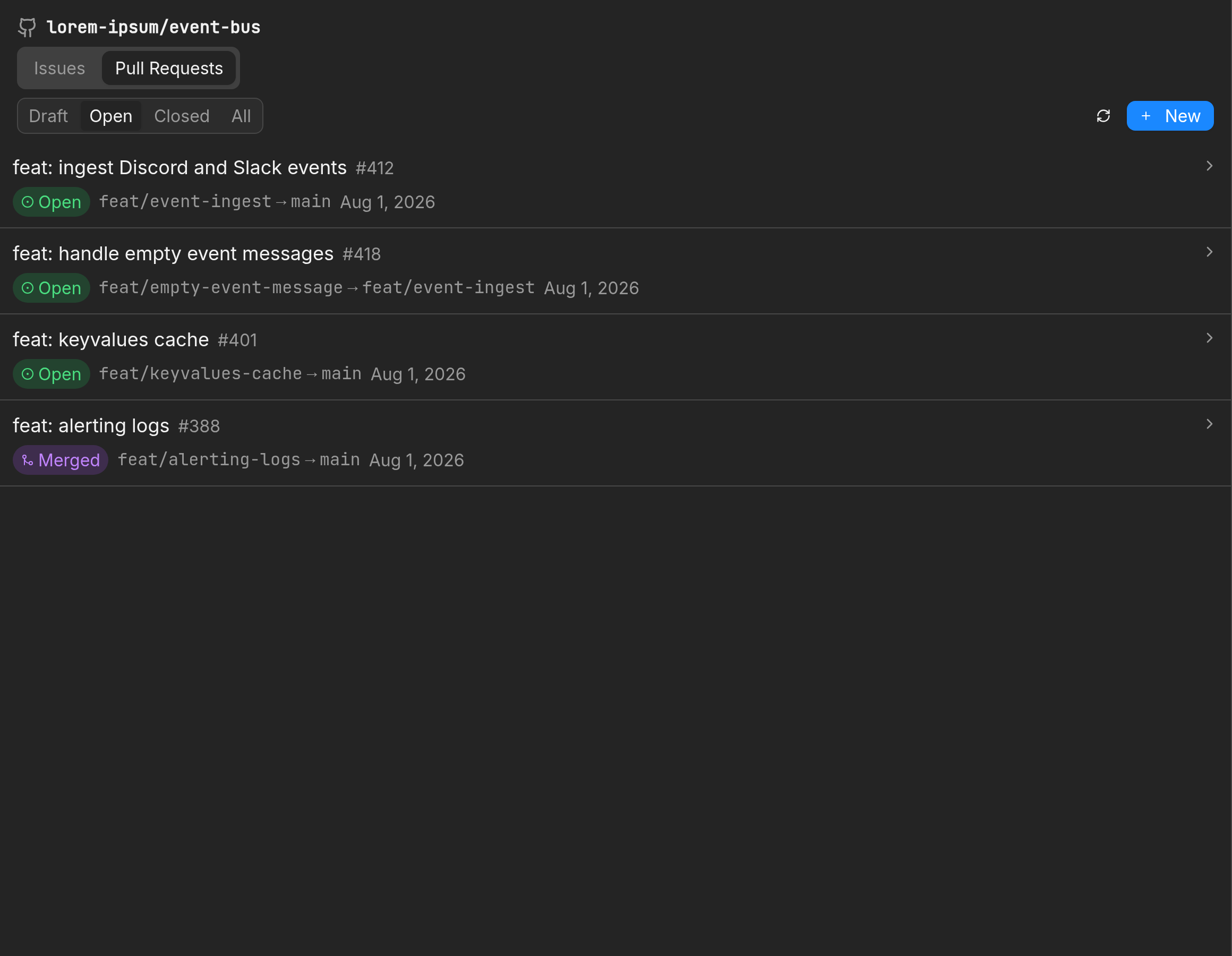
Manage issues and pull requests in the app. Start an agent from an issue. CI for the branch stays next to the workspace.
Resources
Download the macOS app, point it at a Git repository, and create your first workspace.
LearnConcept articles that explain the workflow Treq is built around.
SkillsReusable instructions you can drop into Claude, Codex, or Cursor sessions.
RoadmapPublic milestones. Merge queue and Pro billing are still in progress.
The desktop app is Apache 2.0. Treq was used to build Treq.